
01
AI consulting | Solution assessment
Untangle a real problem, compare tools and models, consider likely costs, and leave with an implementation path. This is advice—not installation or development.
1:1 AI consulting, agent deployment, custom workflows and skills, and Obsidian AI knowledge bases. We plan, configure, and guide each build around your needs and environment.
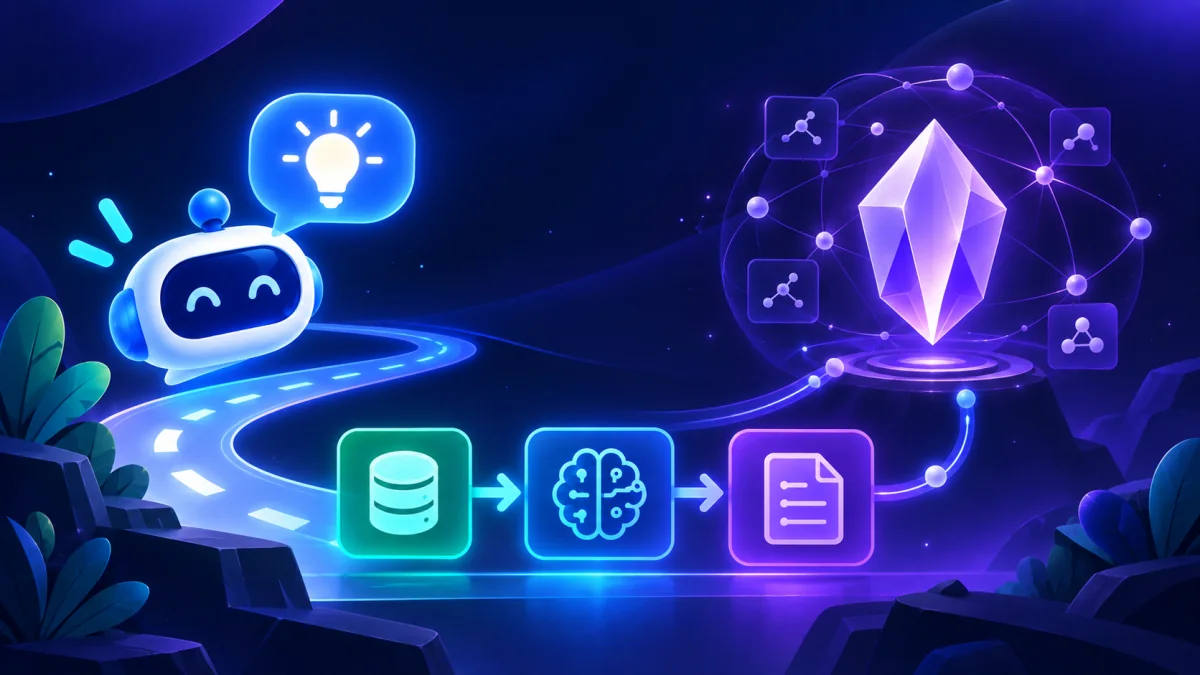
A consultation can stand alone. If you need implementation, we define the scope, deliverables, and cost before building.
Untangle a real problem, compare tools and models, consider likely costs, and leave with an implementation path. This is advice—not installation or development.
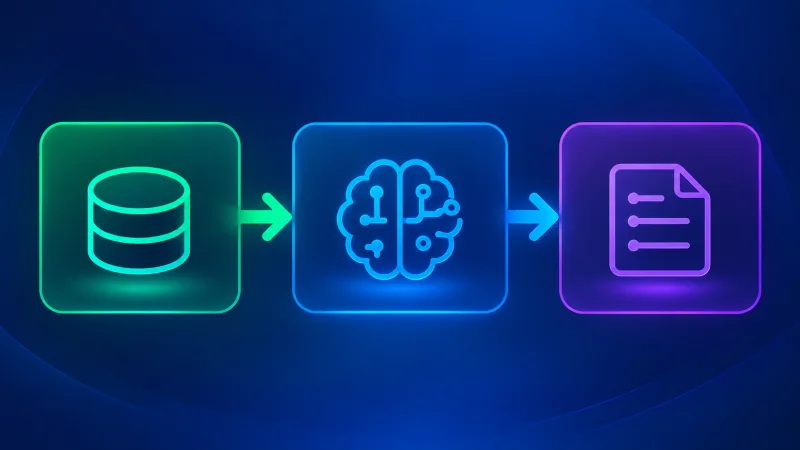
Start with one defined task. Build a usable workflow for research, content, or operations—or turn your SOP and business rules into a reusable skill. Integrations and complex development are scoped separately.
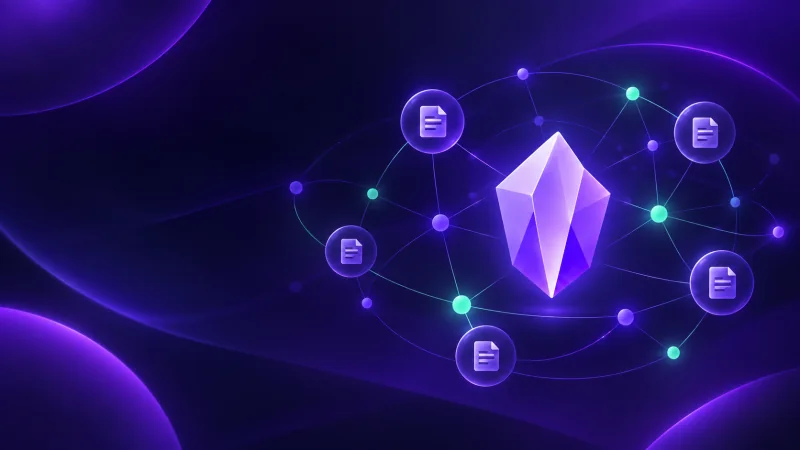
Set up Obsidian with a practical structure, templates, and relevant plugins. Add AI tools or help migrate existing notes when agreed, then learn how to maintain the system yourself.
Six projects and service records, from knowledge-base design to practical AI tool setup. Detailed case pages are in Chinese.
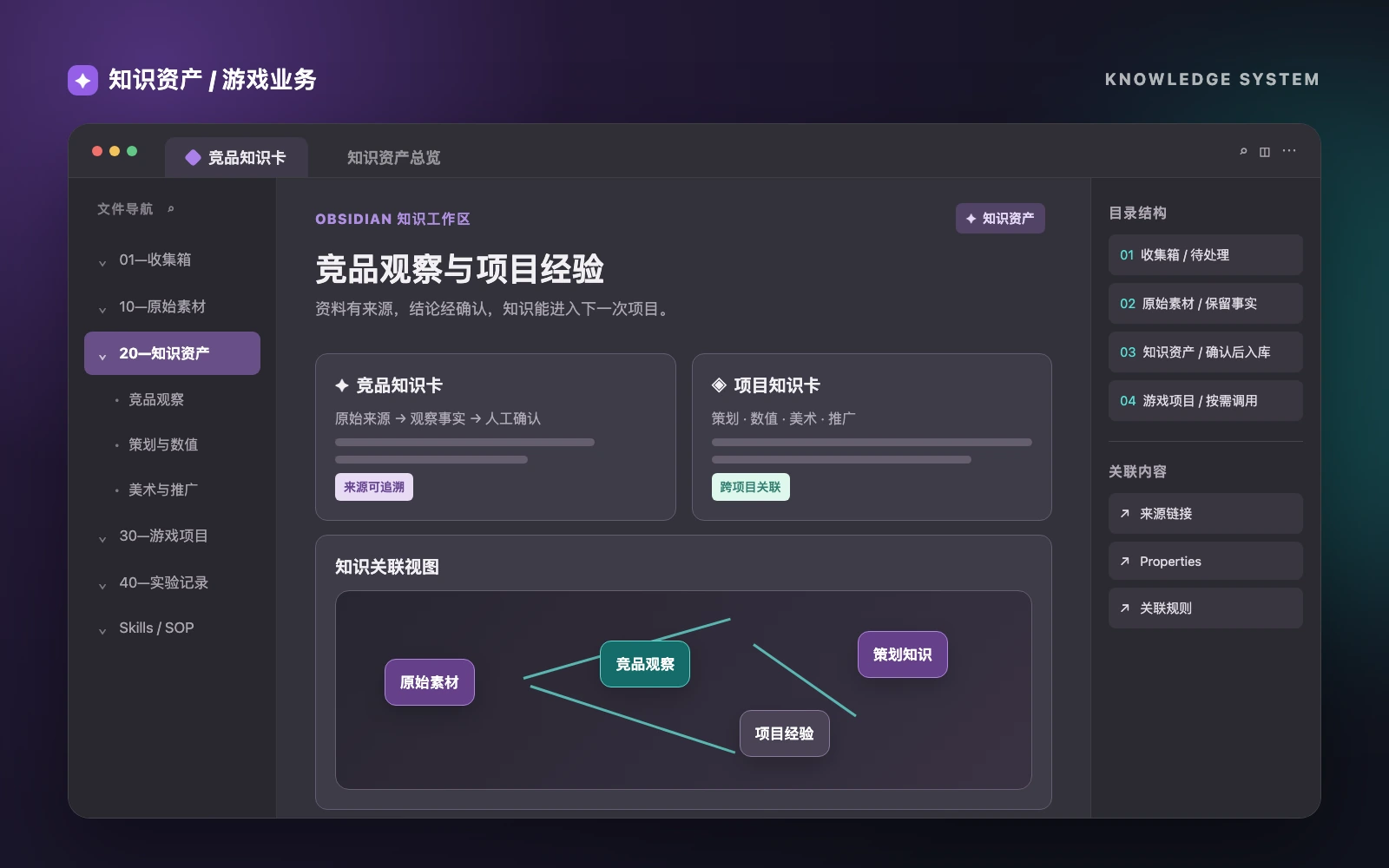
An Obsidian structure, source rules, and an intake path for game-related material.
Read case (中文) ↗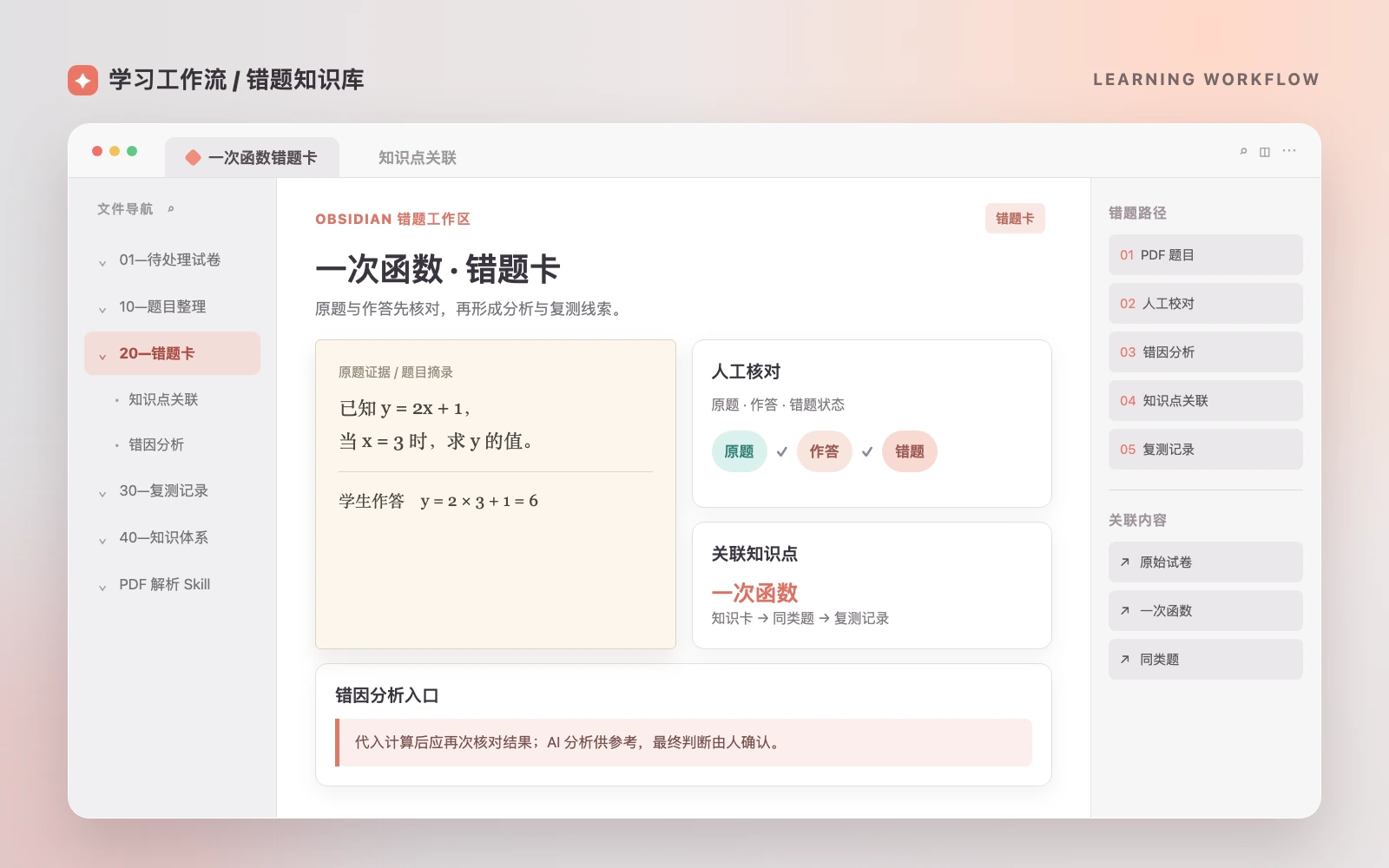
A workflow from PDF questions to reviewable cards and retest records.
Read case (中文) ↗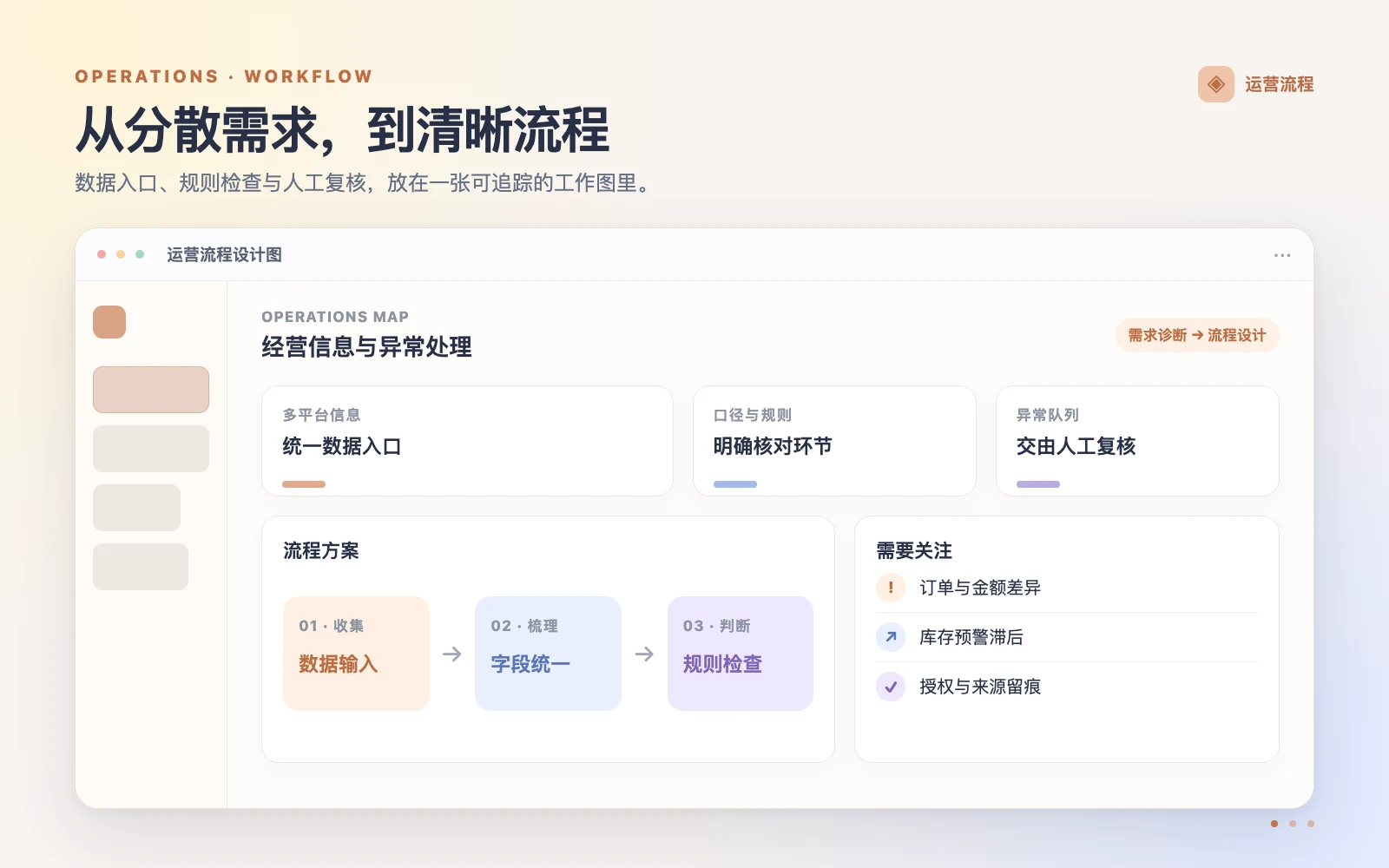
A phased plan for data intake, reconciliation, and exception handling.
Read case (中文) ↗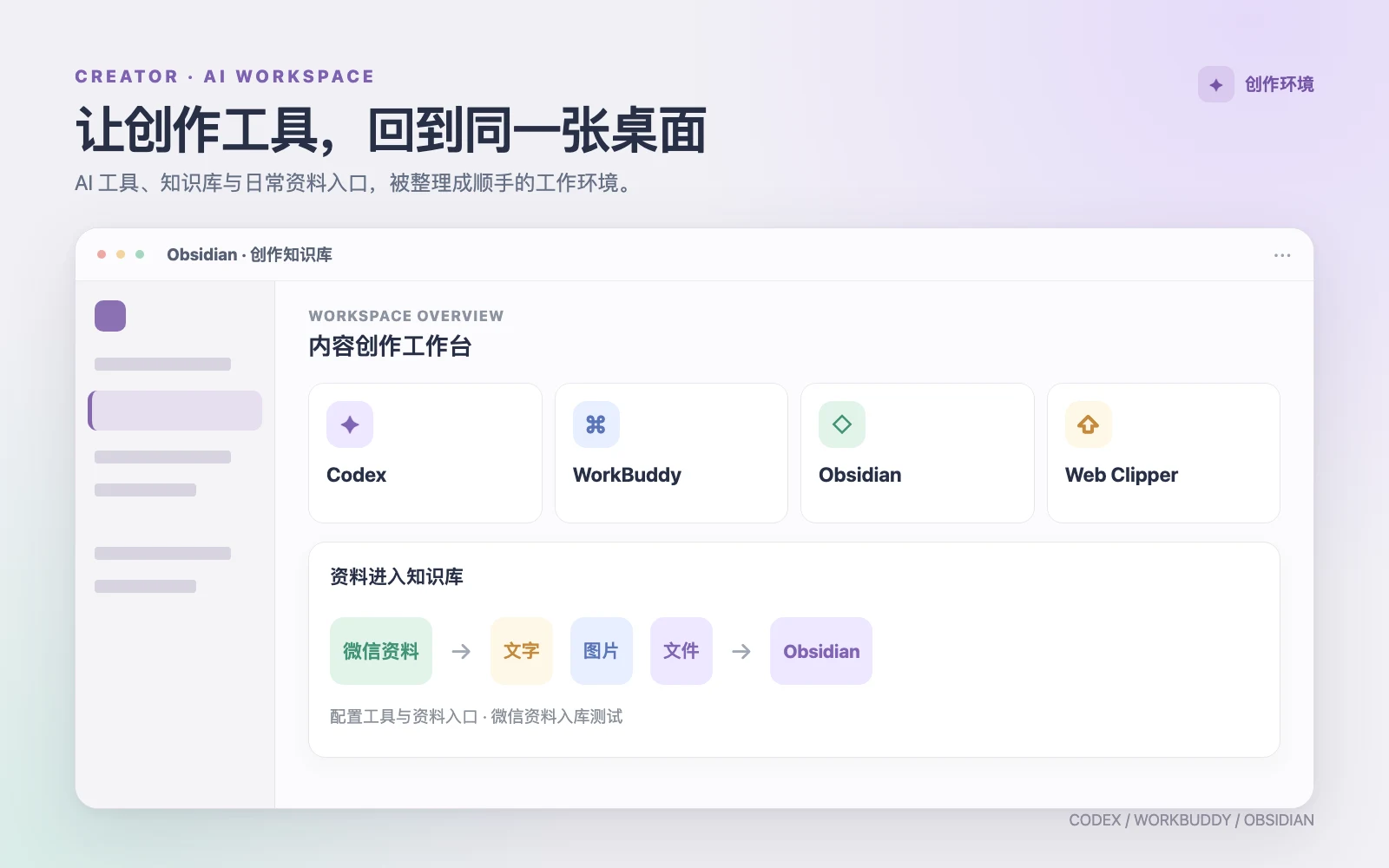
Configured Codex, WorkBuddy, Obsidian, and content intake tools.
Read case (中文) ↗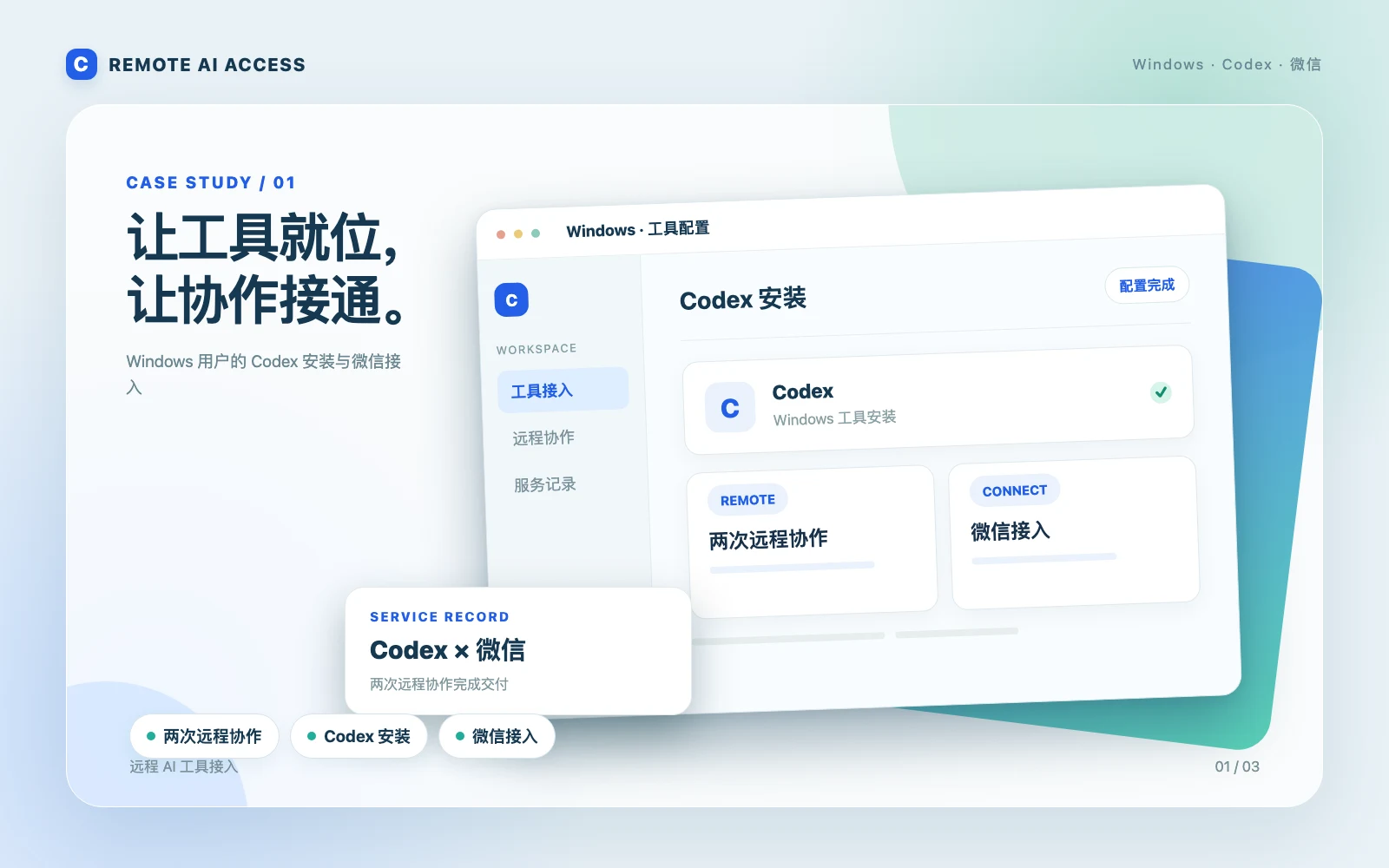
Codex installation and WeChat connection through two remote sessions.
Read case (中文) ↗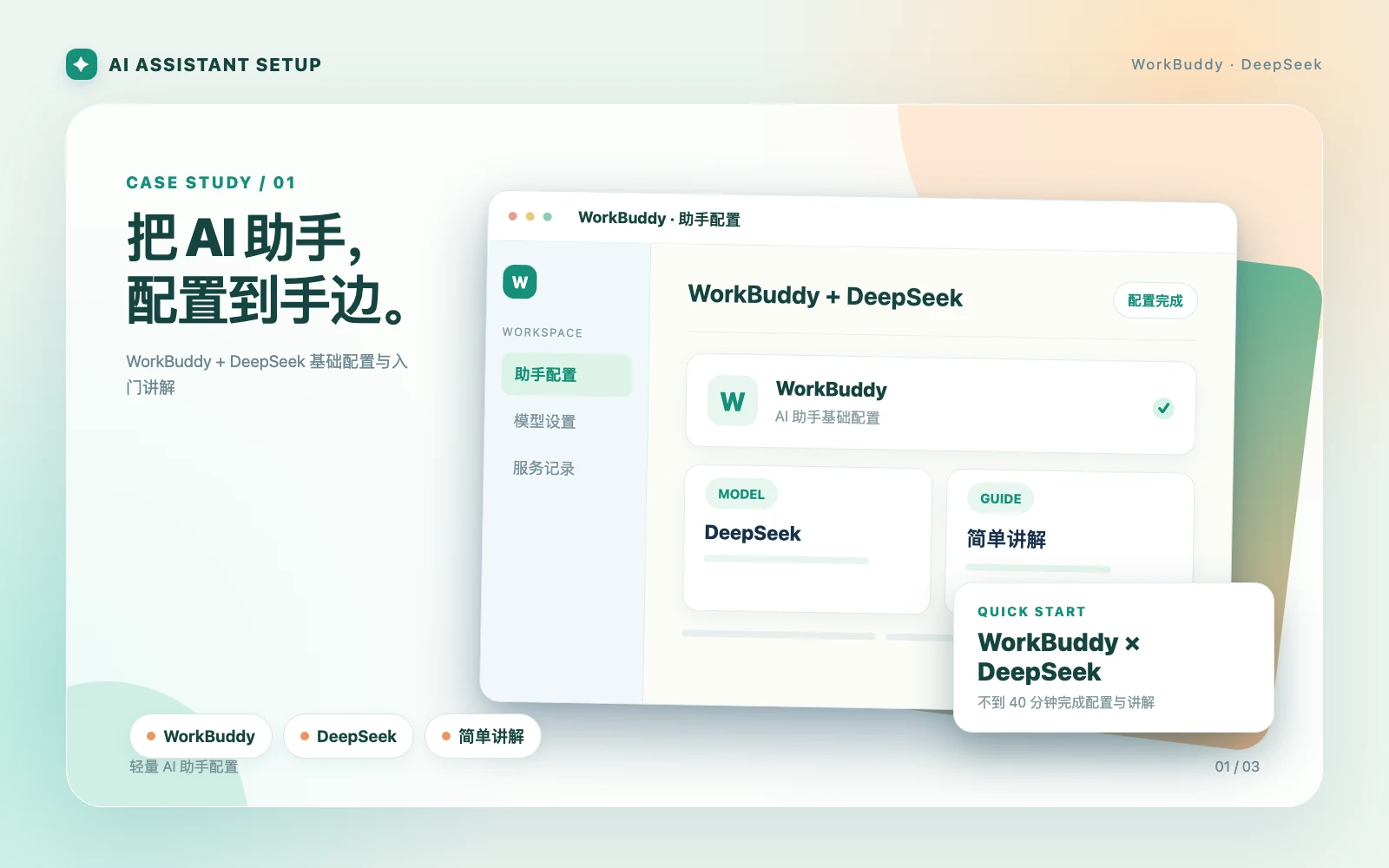
WorkBuddy + DeepSeek configuration and an introduction in under 40 minutes.
Read case (中文) ↗A consultation does not commit you to a build. For implementation, we agree on the outcome, boundaries, deliverables, and price first.
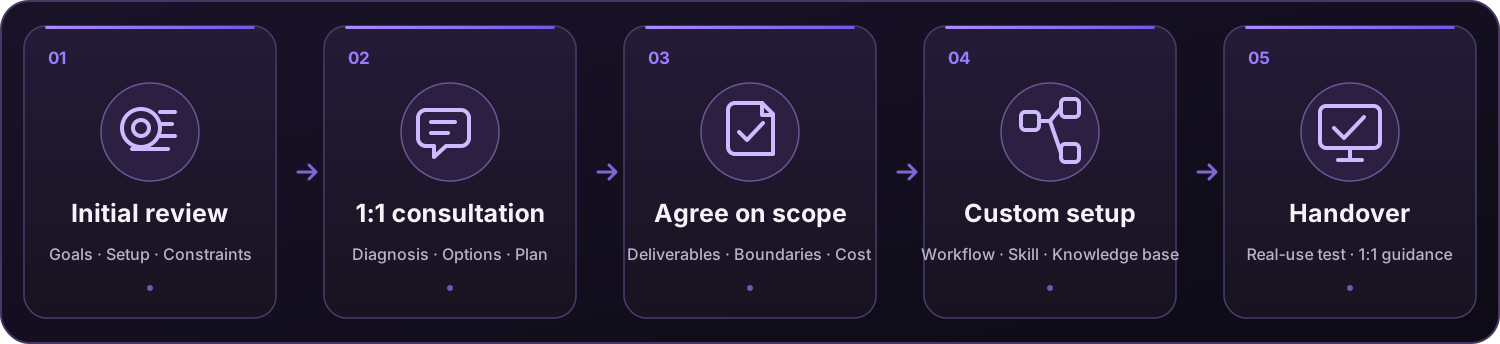
← Swipe to see the full process →
Start with one worthwhile problem. Reuse your current tools and configuration where possible; add only what the agreed solution needs.
Choose advice, a scoped build, or help setting up a knowledge base.
If you are unsure what to do next, start with a 1:1 consultation. A clearly defined task may suit a custom workflow or skill. If your information is scattered and hard to reuse, an Obsidian knowledge base may be the better starting point.
No. You receive a diagnosis, tool and model options, cost considerations, and a recommended path. Any installation, configuration, or development is quoted separately after the scope is agreed.
macOS and Windows. Environment review, setup, and 1:1 guidance are mainly delivered through remote collaboration.
Usually not. Existing components are reviewed and reused where practical. Missing pieces are added only as part of the agreed plan.

 囧森 JonshonScan in Douyin to follow
 东寺绝绝子
 realjonshonScan to add on WeChat